![ICAgile logo (White) (transparent).png]](https://help.icagile.com/hs-fs/hubfs/ICAgile%20logo%20(White)%20(transparent).png?height=40&name=ICAgile%20logo%20(White)%20(transparent).png)
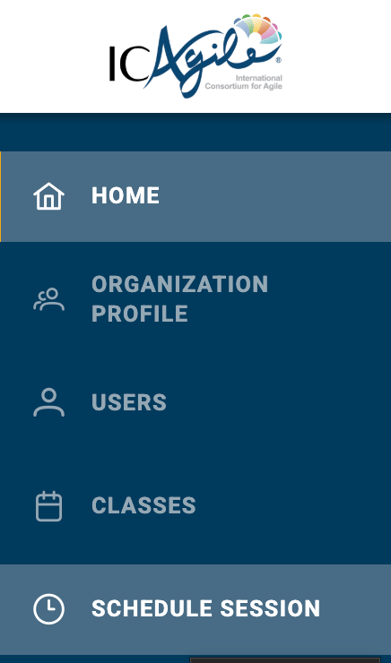
Account Managers can book a session by logging in to the icagile.com member portal and navigating to the Schedule Session page as seen below.
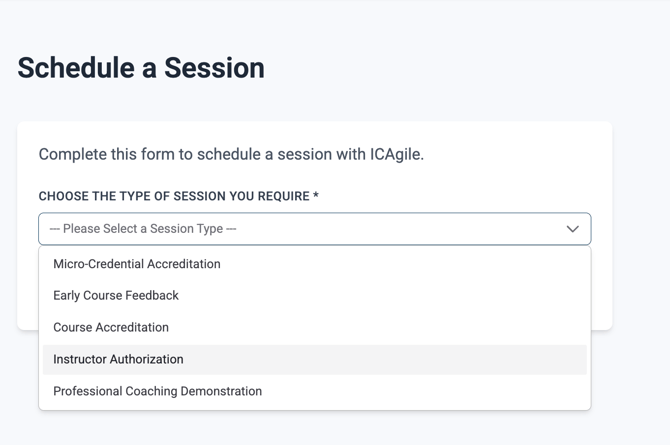
Then select your session type from the drop down menu:
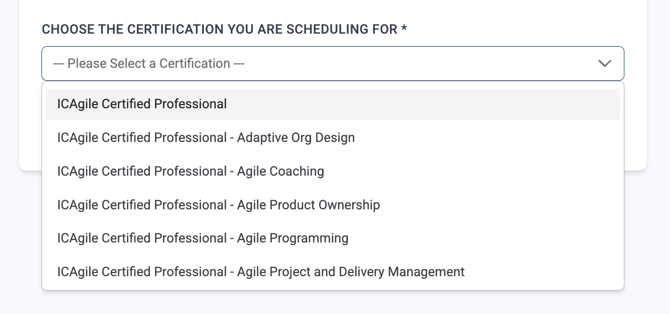
Next select the ICAgile certification:
Then click the "Schedule a Session" button. You can add time to the session for translation needs on the calendar page.
Note: the scheduler is in 24 Hour Time (00:00 - 23:59). We have accreditors all over the world and so you may see session availability in your middle of the night.