
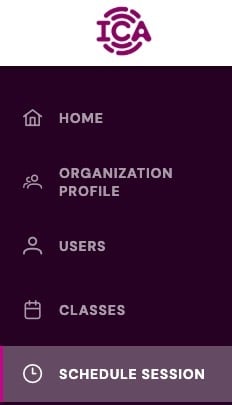
Account Managers can book a session by logging in to the ica-certified.com member portal and navigating to the Schedule Session page as seen below.
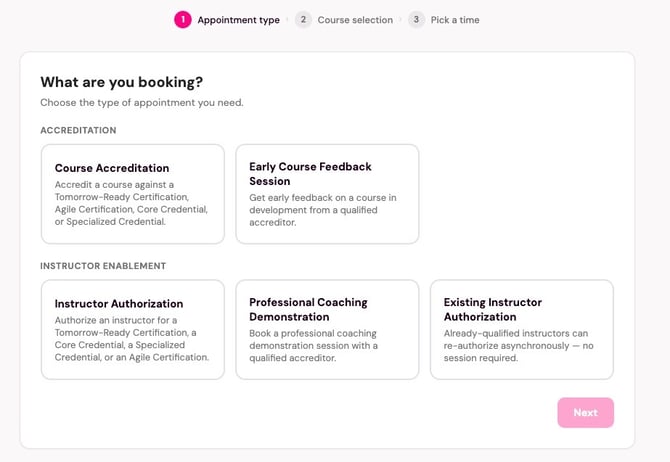
Then select your session type from the drop down menu:
Next select the certification or credential:
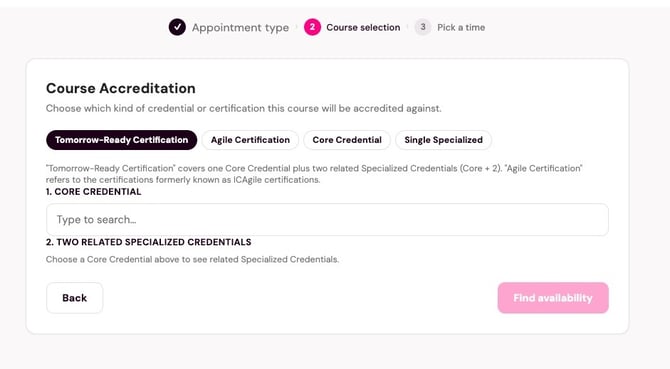
Then click the "Find availability" button. Select from the available times and enter the information. Then click "Confirm and Book". You can add time to the session for translation needs on the calendar page.
Note: the scheduler is in 24 Hour Time (00:00 - 23:59). We have accreditors all over the world and so you may see session availability in your middle of the night.